Dusklight (Dusk) Twilight Princess Installation & Setup Guide
Master the open-source port of Twilight Princess. Step-by-step guides for Windows, Steam Deck, Android, and iOS.
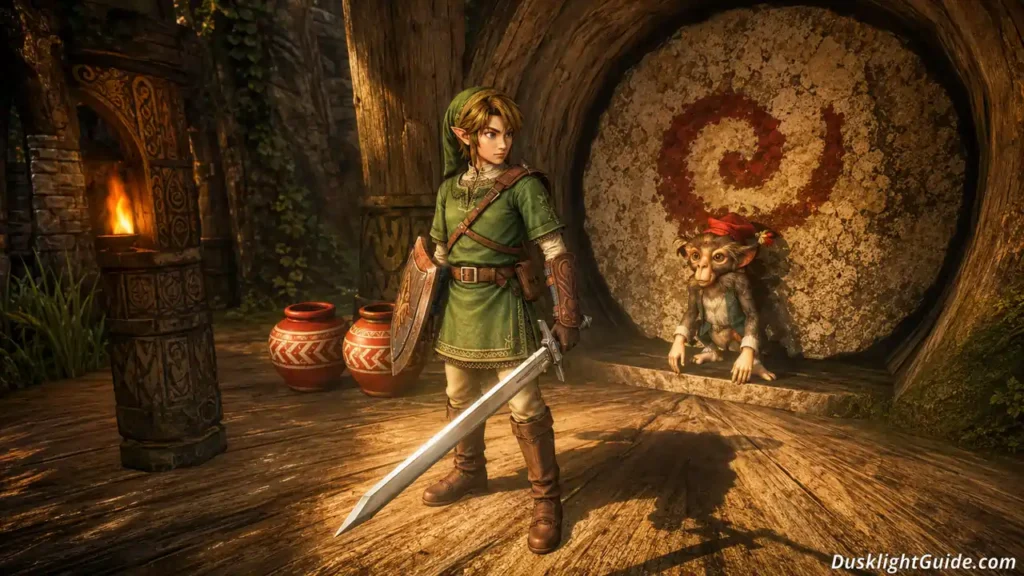
Dusklight, also called Dusk, is a free fan-made PC port of The Legend of Zelda: Twilight Princess. It was released in May 2026 by the TwilitRealm team. This game runs quite smoothly on modern devices without needing an emulator.
Dusklight runs the original GameCube code directly instead of using something like Dolphin Emulator. Because of this, the game performs much better, feels smoother during gameplay, and uses less power overall. It also works across Windows, macOS, Linux, Steam Deck, Android, and iOS.
In Dusklight, you get to see many modern features. You can easily play the game at 120 FPS, and you can also use 4K texture packs. Apart from this, you can also try mouse aiming or gyro controls. On modern hardware, the game feels much smoother and visually cleaner compared to the original GameCube version.
To play the game, you must have your own legally dumped GameCube copy of Twilight Princess. Dusklight also supports both NA and PAL versions. It does not include any Nintendo files.
The project is open-source under the CC0 license. This means it is fully free and supported by the community.
Recent updates, such as version 1.3.0, added better graphics support, FPS cap options, and many bug fixes. Henriko Magnifico’s popular 4K texture packs also make the game look much cleaner and more impressive on modern screens.
This guide explains how to install Dusklight on PC, Steam Deck, Android, and iOS. It also covers ROM checking, controller setup, texture pack installation, and steps to fix common problems.
Whether you play on PC, Steam Deck, or mobile, you can quickly start the setup process. Choose your device below and click the “View Guide” button. After that, follow the setup guide and enjoy one of the best ways to experience Twilight Princess in 2026.
Choose Your Platform
Select your device to see the optimized setup guide.
Why Choose Dusklight?
Experience the definitive version of Twilight Princess.
Native Performance
Dusklight runs the original Twilight Princess code directly on your device. Unlike emulators like Dolphin, it delivers smoother gameplay, up to 120 FPS, and very good performance even on the Steam Deck or phones.
Modern Features
You can easily enjoy features like 4K resolution, gyro and mouse aiming, free camera, widescreen support, and easy controller setup. Version 1.3.0 also includes better graphics options, FPS limits, and fixes for many bugs.
Beautiful Graphics
Henriko Magnifico’s popular 4K texture packs make the game look far more stunning on modern screens while still maintaining the classic Twilight Princess feel.
Legal & Free
Dusklight is completely free and open-source. You just need to have a legally dumped GameCube disc (NA or PAL version). It does not include any Nintendo files. It is a community-driven project, it is safe, and it can be easily installed on almost every platform.
Latest Updates & News
Stay up to date with the latest Dusklight releases and community mods.
•Dusklight v1.0.1 Released: Critical fixes for Apple Silicon and Android Adreno GPUs.
•Performance Guide: How to maintain 90FPS on the Steam Deck OLED.
•Texture Packs: The best 4K texture packs for your 2026 playthrough.
Frequently Asked Questions
Quick answers to the most common Dusklight questions.
Is Dusklight an emulator?
No. Dusklight is a native port of The Legend of Zelda: Twilight Princess. It directly runs the original GameCube code on your device. Because of this, it provides much better performance, smoother gameplay, and lower power usage compared to the Dolphin Emulator.
Do I need a legal copy of the game?
Yes. You should have a legally dumped GameCube disc of Twilight Princess. Dusklight supports both the USA and PAL versions. It does not include any Nintendo files.
Which platforms are supported?
Dusklight works on Windows, macOS, Linux, Steam Deck, Android, and iOS. The latest version is v1.3.0.
Does it support modern controllers?
Yes. It supports Xbox, PlayStation, and Switch controllers with plug-and-play support. Mouse aiming and gyro controls are also supported.
Can I use texture packs?
Yes. Popular 4K texture packs made by Henriko Magnifico work very well. They improve the game’s graphics and make it look much better on modern screens.
Is Dusklight free and safe?
Yes. Dusklight is fully free and open-source under the CC0 license. Download it only from the official GitHub page. Follow trusted guides to play safely and legally.
Dusklight (Dusk)
Step-by-step Dusklight (Dusk) Twilight Princess installation guide for Windows, Steam Deck, Android, macOS & iOS. Install v1.3.0, verify ROM & fix issues easily.
Price Currency: USD
Operating System: Windows, Linux, Android, macOS, iOS
Application Category: Game
4.8
Pros
- Native 4K and 60FPS+ Support
- Low System Requirements
- Native Gyro Aiming for Steam Deck
- Cross-Platform (Windows, Android, iOS)
Cons
- Requires Original GameCube Disc Dump
- In Early Development (v1.2.0)